
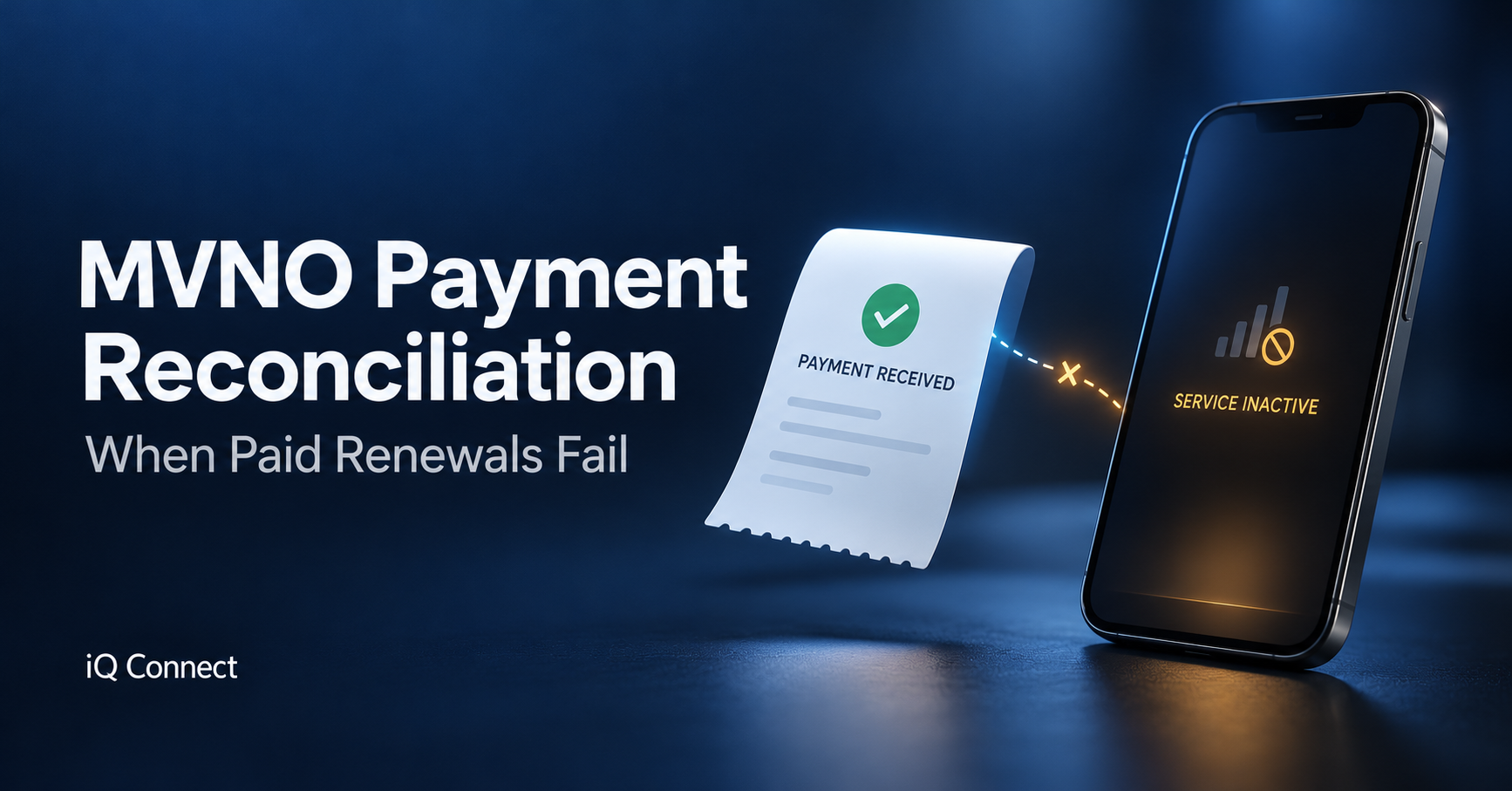
MVNO Payment Reconciliation: When Paid Renewals Fail
MVNO payment reconciliation connects payments, billing, and service status. Learn how to resolve renewal gaps without charging customers twice.
MVNO Payment Reconciliation When Customers Pay but Service Stays Inactive
MVNO payment reconciliation should tell your team whether a successful payment renewed the correct line for the correct service period. When a customer has a receipt but the line remains inactive, the immediate task is to find where the renewal stopped.
A payment processor may show a completed transaction while the billing system still shows an unpaid period or the carrier request remains unresolved. Without linked records, support has to reconstruct the renewal across separate systems while the customer waits.
An effective reconciliation workflow follows the original payment through billing and provisioning. It gives the team enough evidence to correct the incomplete step without creating a second charge or applying the renewal twice.
Why a Paid Renewal Can Leave a Line Inactive
Collecting payment, applying credit, and renewing service are separate actions. A failure or delay between them can leave a customer with a valid payment and an unresolved renewal.
For example, a payment may reach the processor successfully but fail to update the intended billing period. The billing record may update correctly while the related service request is delayed. A carrier response may arrive after the support screen was last refreshed.
Each situation requires a different correction. A payment receipt establishes a starting point for investigation; the team still needs to confirm which account received the credit and what happened to the service request.
Bank deposit reconciliation remains a separate financial check. For renewal operations, the question is whether the payment produced the service outcome required by the customer's plan.
Trace the Renewal Across Five Connected Records
Start with the subscriber's line and the renewal being investigated. Matching an amount or a customer name alone can connect a payment to the wrong transaction, especially when one account contains several lines.
- Subscriber and line: confirm the account and service identifier that should receive the renewal.
- Renewal order: identify the plan, order reference, and intended service period.
- Payment transaction: verify the provider's transaction reference, current status, amount, and any reversal or refund.
- Billing period: confirm where the payment or credit was applied and when service is due.
- Provisioning request and service status: locate the related request, its result, and the latest available line status.
Keep the payment reference linked to the renewal order and service request. These identifiers let finance and support investigate the same renewal even when their systems use different status labels.
Check the Due Date Before Flagging a Failure
An advance payment may correctly fund a future period or remain as account credit, depending on the plan. Flag a missing renewal only when service is due and the agreed processing window has passed.
Also distinguish an inactive line from a connection problem. If the current carrier record confirms that service is active, route the remaining issue to the appropriate connectivity investigation rather than assuming another payment is needed.
Give Every Renewal Exception a Specific Next Action
A mismatch should open an investigation with a clear owner. It should not automatically trigger a charge, refund, or repeated service request.
|
Observed condition |
Next investigation |
|---|---|
|
Payment succeeded but the renewal is missing |
Confirm the intended line and period, then locate the original renewal order. |
|
A service request was sent but the outcome is unclear |
Retrieve the latest request result and line status before deciding whether to retry. |
|
Two payment records appear for one renewal |
Compare provider references to distinguish repeated notifications from separate charges. |
|
A refund exists but the account balance is unchanged |
Trace the refund and related billing adjustment to the correct account and period. |
Record the evidence, next action, and person responsible in one shared case history. Finance can validate the payment while provisioning investigates the service request, but a named owner should remain accountable for the case.
Close the exception after confirming the expected account and service outcome. A completed internal task is not enough if the original customer issue remains unresolved.
Handle Delayed and Repeated Events Without Repeating the Renewal
Integrations can receive delayed updates, and repeated notifications can make an old event appear new. Stripe's webhook documentation explains that delivery order is not guaranteed and that the same event can reach an endpoint more than once.
For a renewal workflow, this means checking both the incoming event and the operation already recorded against the renewal. A repeated payment notification should not create an extra renewal or extend service again.
Before replaying an unresolved operation, check its latest recorded outcome. If a request timed out after the receiving system completed it, sending it again without that check can repeat the action.
Distinguish Notification Retries From Payment Retries
A notification retry resends information about an event. A payment retry attempts to collect money. Support and integration teams need to know which operation they are initiating before acting.
Use the current documentation for the configured payment provider and carrier interface to define retry behavior. A missing update does not establish that the customer's payment failed.
Prioritize Customers Who Paid and Still Lack Service
Make customer-impacting exceptions visible as soon as the integrations allow, then schedule follow-up for unresolved cases. Define a processing window for each interface so a normal delay does not become a false failure alert.
Track the age of open exceptions, time to confirmed resolution, and repeat contacts about the same renewal. Keep paid renewals with unresolved service separate from failed collections because they require different actions.
For a renewal exception rate, divide unique paid renewals with unresolved service by all unique paid renewals in the same eligible cohort. Include only renewals whose service is due and whose processing window has elapsed. Count each renewal once, even if it generates several notifications or tickets.
Evaluate the Renewal Workflow With iQ Connect
iQ Connect's OSS/BSS platform for MVNOs brings activations, subscriber management, billing, and operational workflows together. Its telecom API integration offering covers billing and payments with transaction traceability, as well as subscriber data and event-driven workflows.
Use those capabilities as the starting point for a demonstration built around your renewal process. Ask the team to trace one payment through the billing period and service response, then examine a delayed or unresolved step.
- Which identifiers connect the payment, renewal order, and carrier request?
- Where can support see the latest service result and its timestamp?
- How are repeated events and uncertain request outcomes handled?
- Which corrections require approval, and where is the action recorded?
- How does the team confirm that the customer's original problem is resolved?
Confirm these controls for your payment provider, carrier interfaces, and platform configuration. The demonstration should establish how your implementation will handle renewal exceptions.
Frequently Asked Questions
What Is MVNO Payment Reconciliation?
MVNO payment reconciliation matches payment records to subscriber accounts and billing obligations. For prepaid renewals, an operational workflow also checks that the payment led to the expected service period and line status.
Why Can a Customer Pay and Still Have an Inactive Line?
The payment may have succeeded while a billing update or service request remains incomplete. First confirm the intended line and period, then inspect the renewal request and latest carrier response. Expected timing or a valid account restriction may also explain the status.
Should Support Charge the Customer Again?
Support should verify the original transaction before attempting another collection. If the payment succeeded, investigate the uncompleted renewal step. A second charge can create an additional issue without restoring service.
Is a Repeated Payment Notification a Duplicate Charge?
Not necessarily. The same transaction can generate repeated notifications. Compare the payment provider's transaction references and current records before classifying the case as a duplicate charge.
What Should an MVNO Reconciliation Demo Show?
It should follow a normal renewal and demonstrate how the proposed implementation handles delayed updates, repeated events, and a successful payment with unresolved service. Confirm who can investigate, approve corrections, and verify resolution.
Find Where Your Paid Renewals Stop
Bring one renewal your team struggled to resolve to an iQ Connect platform discussion. Use the payment reference, intended service period, and known service response to assess the integrations and operational controls your deployment needs.
Tags